
Website Design
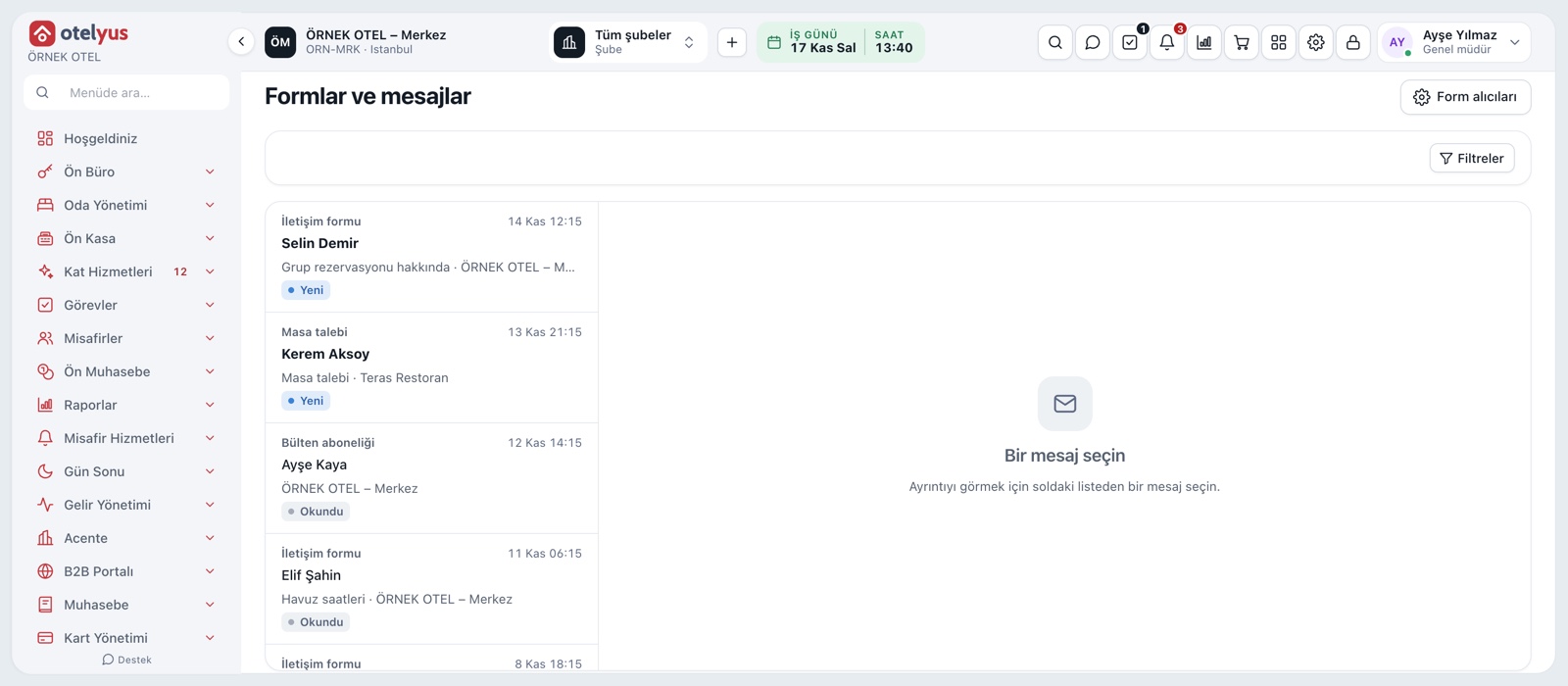
You build and manage your business website from inside the application: ready-made themes, pages, menus, images and forms. Rooms, venues and menus come from your live records, and the site is published on your own domain.
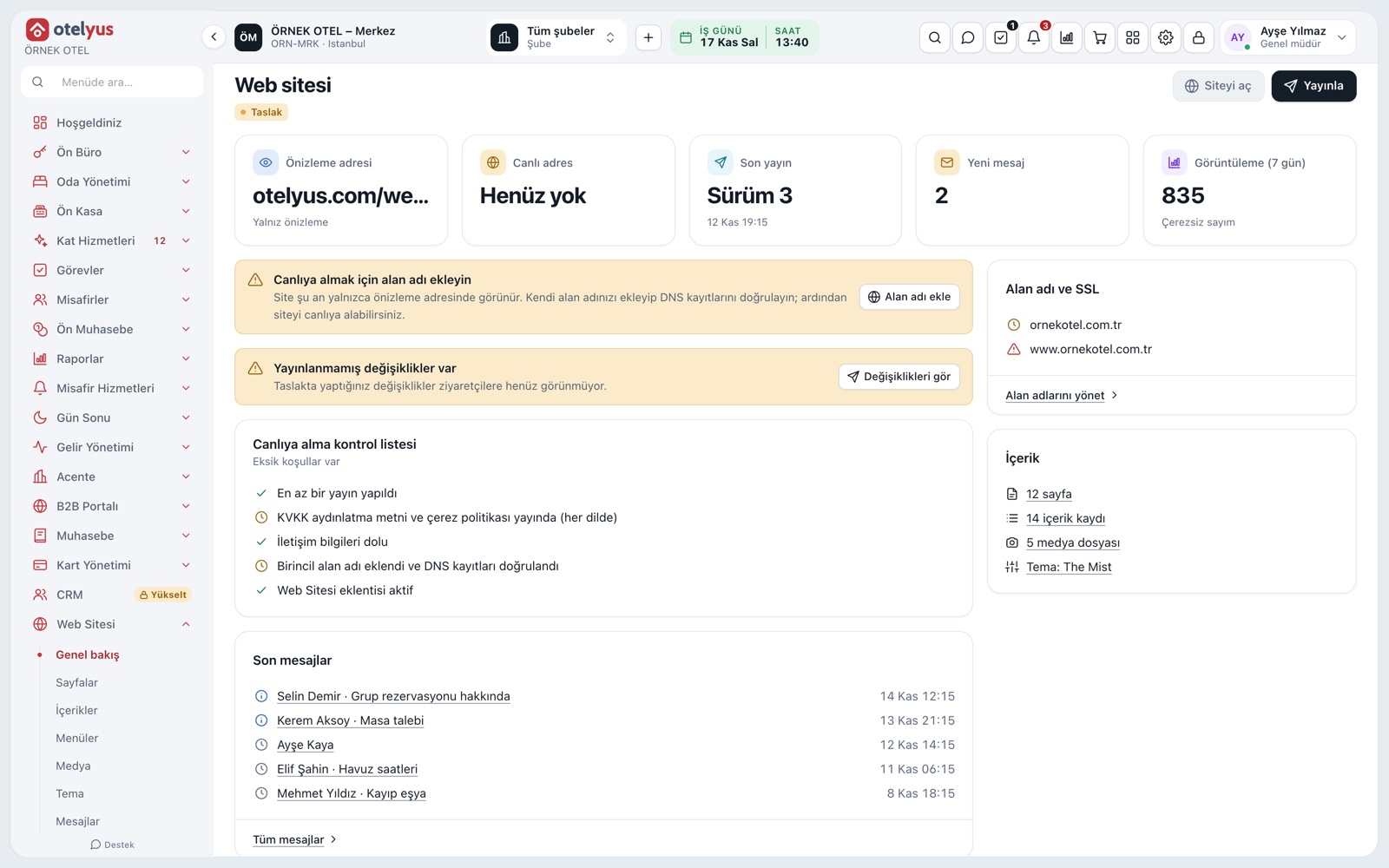
Your own business website
With the website service you build and manage your business's promotional site from inside the application. You pick one of the ready-made themes; pages, menus, images and text are edited from the panel. Records such as rooms, venues and menus appear with live information from your business.
- A hotel, a wedding venue and a restaurant can be presented on one site.
- A business that uses only a restaurant or only a venue can have a site too.
- The site is prepared as a draft and stays closed to the public until you publish.
First-setup wizard
The wizard asks for the theme, languages and the units to promote, then prepares starter pages, menus and draft legal texts from your business details. You change colours, fonts and the logo later.
- Starter pages are prepared for every language.
- Changing the theme does not delete your content.
Pages, content and media
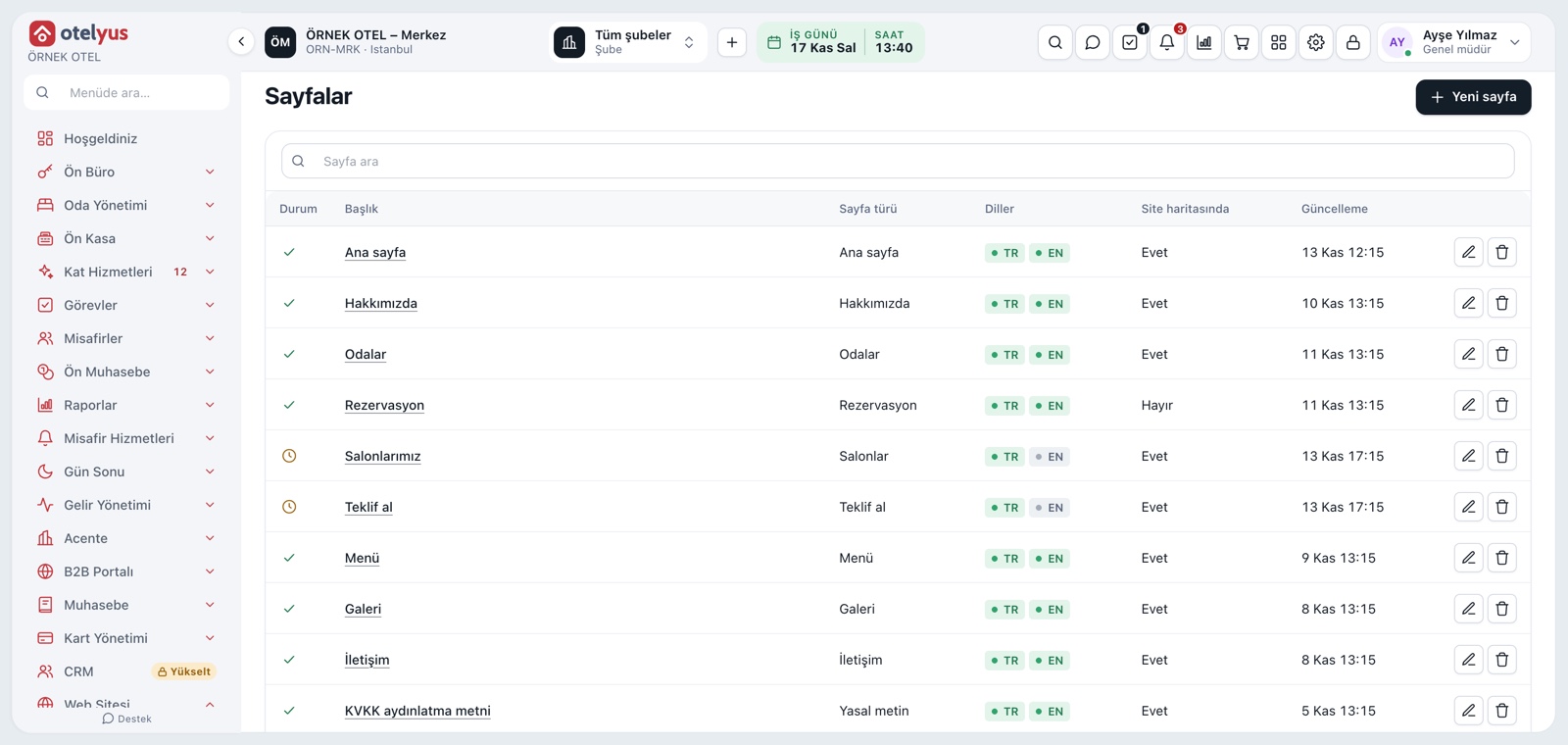
You edit pages by adding blocks, build menus, and upload images and videos to the media library. If you link a room, venue or product record, live details such as price and availability come from your business. You preview changes on desktop, tablet and mobile.
- Room, venue and menu details come from your business.
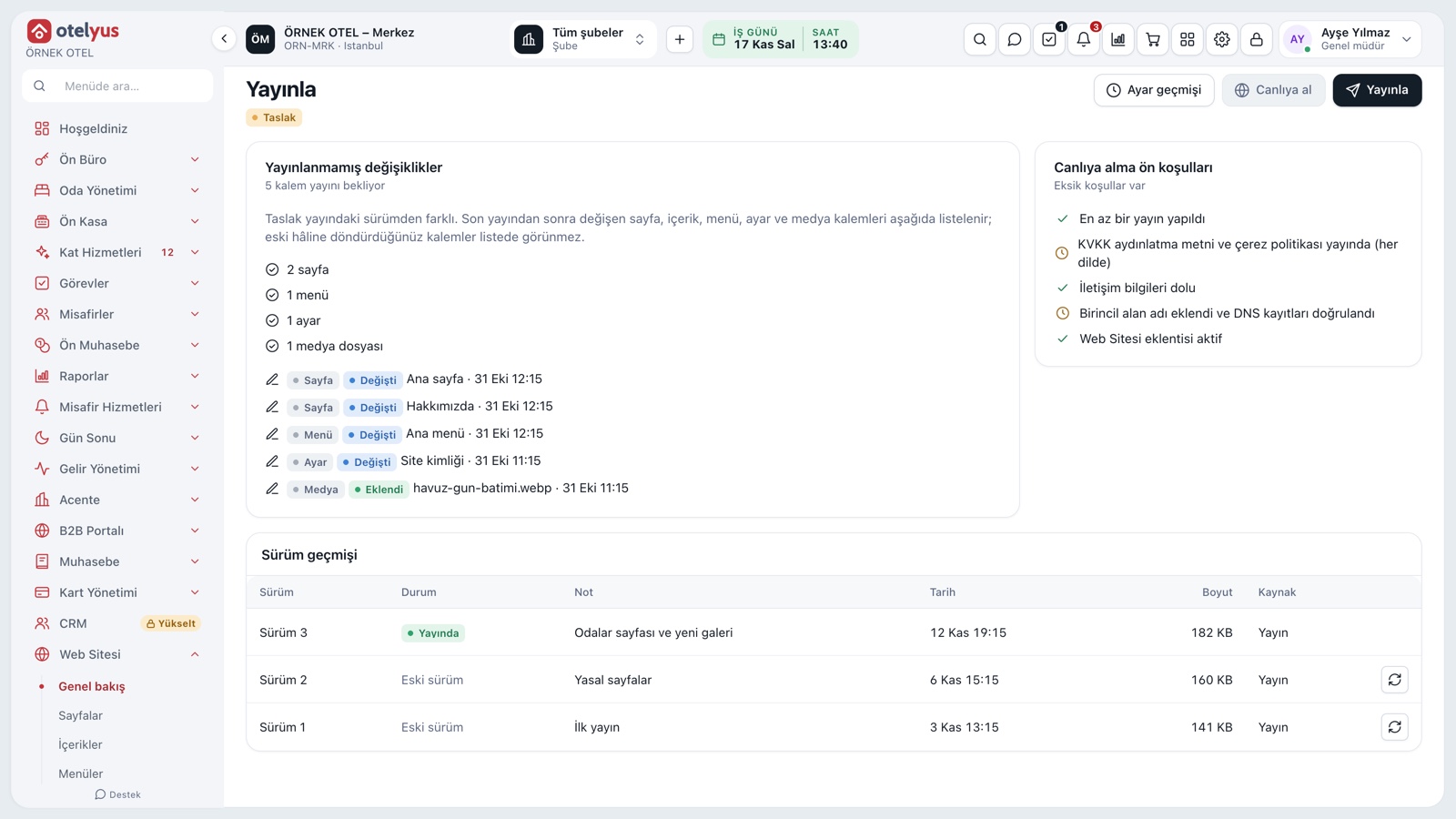
- You can go back to an earlier version.
- Image descriptions are written for each language.
Modules used together
Frequently Asked Questions
Do I need separate software or hosting for the website?
No. The site is built and managed from inside the application.
Can I use my own domain?
Yes. You start with a preview address and take it live on your own domain when ready.
I only have a restaurant. Can I have a site?
Yes. The website is shared across all products; product-specific sections open according to the products you own.
Can I undo a change I published?
Yes. Published versions are kept; you can return to an earlier version or unpublish the site.
What happens to the site if the add-on expires?
The site is suspended and returns to its previous state when the add-on is renewed.
Meet Website Design
Let us call you for a live walkthrough, or try it free for 1 month.