
Users and Permissions
Server, cashier, kitchen and manager roles come ready. You invite users, assign them to POS outlets, and on a shared till each person works under their own name with a PIN. Sensitive actions sit behind separate permissions.
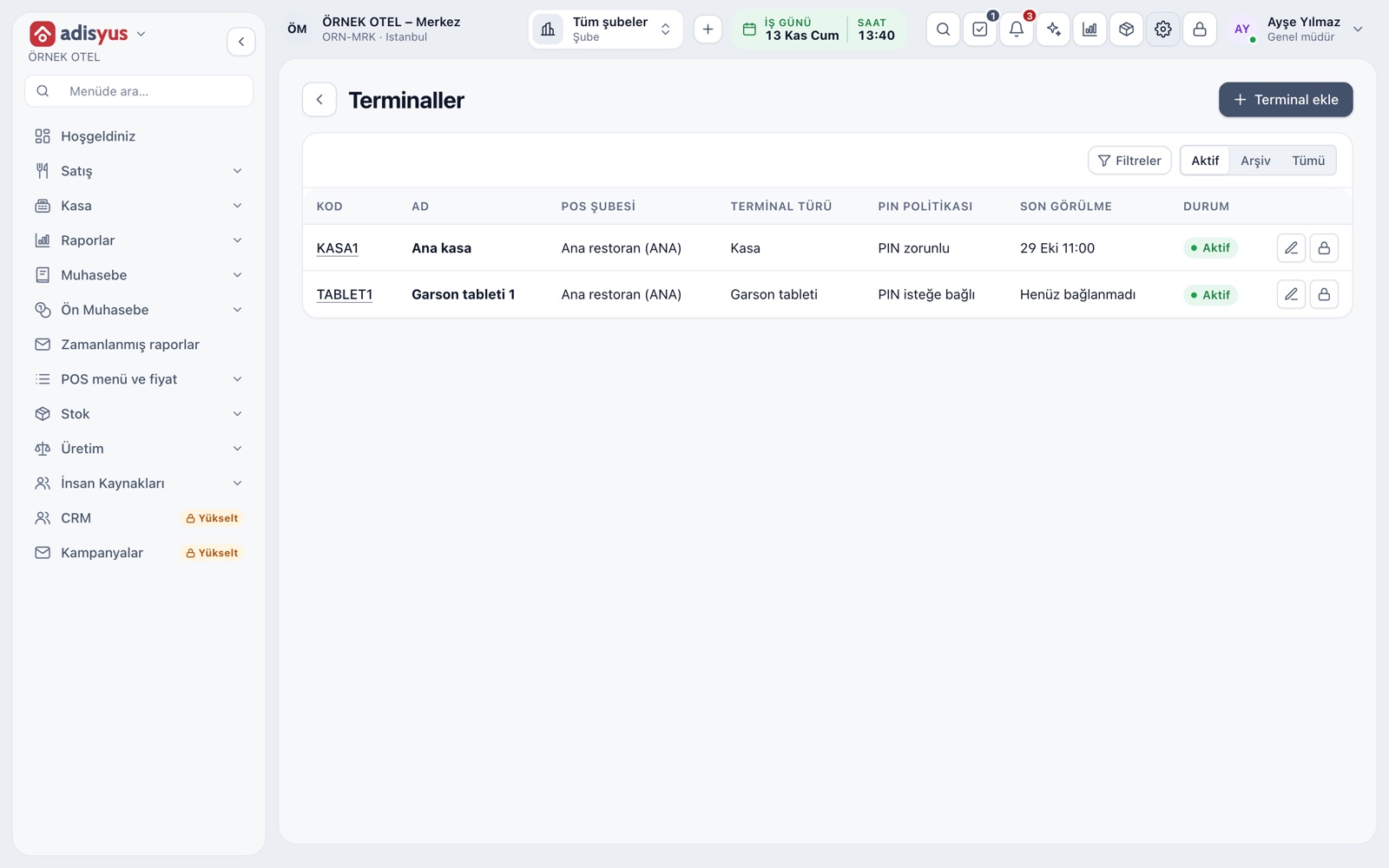
Quick user switching with a PIN
On a shared till or tablet each employee acts under their own name. Switch user lets you pick the person and enter a four-digit PIN, and the actions are written under that person. The PIN is never displayed, and an easily guessed PIN is rejected.
- The PIN policy is set per terminal: none, optional or required.
- The user is locked after too many wrong attempts.
- A manager resets a PIN; the employee sets their own.
Four ready roles
Manager, Cashier, Server and Kitchen roles come ready for POS. A manager runs settings, reports, day-end, stock and users. A cashier handles payment and till work. A server takes orders, moves tables and serves. Kitchen sees and works only its own tickets.
- A server can see payment but cannot take it.
- Discounts, comps, waste and check cancels belong to the manager.
- Cancelling a sent line is a separate permission.
- For a different mix, copy a role into a custom role.
Inviting users and assigning outlets
A new user is invited by email and sets their own password. You give them a POS role and tick the POS outlets they work in: the user sees and acts only in the ticked outlets.
- A user can be assigned to several outlets.
- If no outlet is ticked, the user sees no POS outlet.
- Managers and owners see all outlets without assignment.
Screen lock
After a set idle time the screen locks; the time is given in seconds. If you want, the screen locks after every action and the next user enters with a PIN. Security settings are on the Security tab of POS settings.
- The locked screen shows the last user's name.
- Sign out stays available on the lock screen.
- Changing the setting needs the settings-write permission.
Who did what: the audit trail
Every sensitive action is recorded with who did it. The check history gives line, cancel, move and payment events as a timeline; the cancel, comp and waste report lists reason, authorizer and time. A user who switched in with a PIN is recorded as the owner of the action.
- Reopening a closed check is a separate permission and needs a reason.
- Reprints are marked apart from the original print.
- Fixing a payment type after day-end needs permission and a reason.
Modules used together
Restaurant Settings
Business day start/end, notifications, display and general settings
Learn moreChecks and Order Entry
Item entry, options, comps, split and merge bills
Learn moreDiscounts and Comps
Predefined discounts and non-payable (comp) bills
Learn morePayments and Collections
Cash, card and split payments; fiscal cash register (ÖKC) integration
Learn morePOS Reports
Product sales, end of day, shift, statistics, stock status and waste reports
Learn moreFrequently Asked Questions
Can a cashier give discounts?
The ready cashier role has no discount permission; discounts, comps, waste and check cancels belong to the manager. It can be given to a cashier through a custom role.
Can a server cancel a line already sent?
No. A server can delete a line that has not been sent; cancelling a line that went to the kitchen needs a separate permission the server role does not have.
What does an employee do after forgetting their PIN?
A manager can reset the PIN, or the employee can verify with their account password and set a new one.
How do I add a new server?
Invite the user by email, give them the Server role and tick the POS outlet they work in. They set their own password and PIN.
Meet Users and Permissions
Let us call you for a live walkthrough, or try it free for 1 month.