Whenever money changes hands in a restaurant or café, a fiscal document follows: a cash register receipt, an e-Archive invoice or an e-Invoice. In many venues which one to issue runs on habit; yet the wrong document, a missing document or two documents for one sale cause trouble on both the tax and the accounting side. This article gives a general framework for businesses operating under Turkish rules. Regulations change; confirm current provisions, including amounts, deadlines and exemptions, with your accountant.
Three documents, three situations
| Sale situation | Document in question | Note |
|---|---|---|
| Dine-in or takeaway sale, customer does not want an invoice | New-generation fiscal cash register (YN ÖKC) receipt | A venue serving outside customers needs a device per collection point; confirm exemptions and alternatives with your accountant |
| Customer wants an invoice, buyer is an e-Invoice taxpayer | e-Invoice | A taxpayer lookup is made with the buyer's tax ID |
| Customer wants an invoice, buyer is not an e-Invoice taxpayer | e-Archive invoice | The taxpayer lookup decides the document type |
| Check of an in-house hotel guest charged to the room | The hotel invoice instead of a separate restaurant receipt | Conditions apply, such as the guest being on the daily customer list; confirm your property's practice |
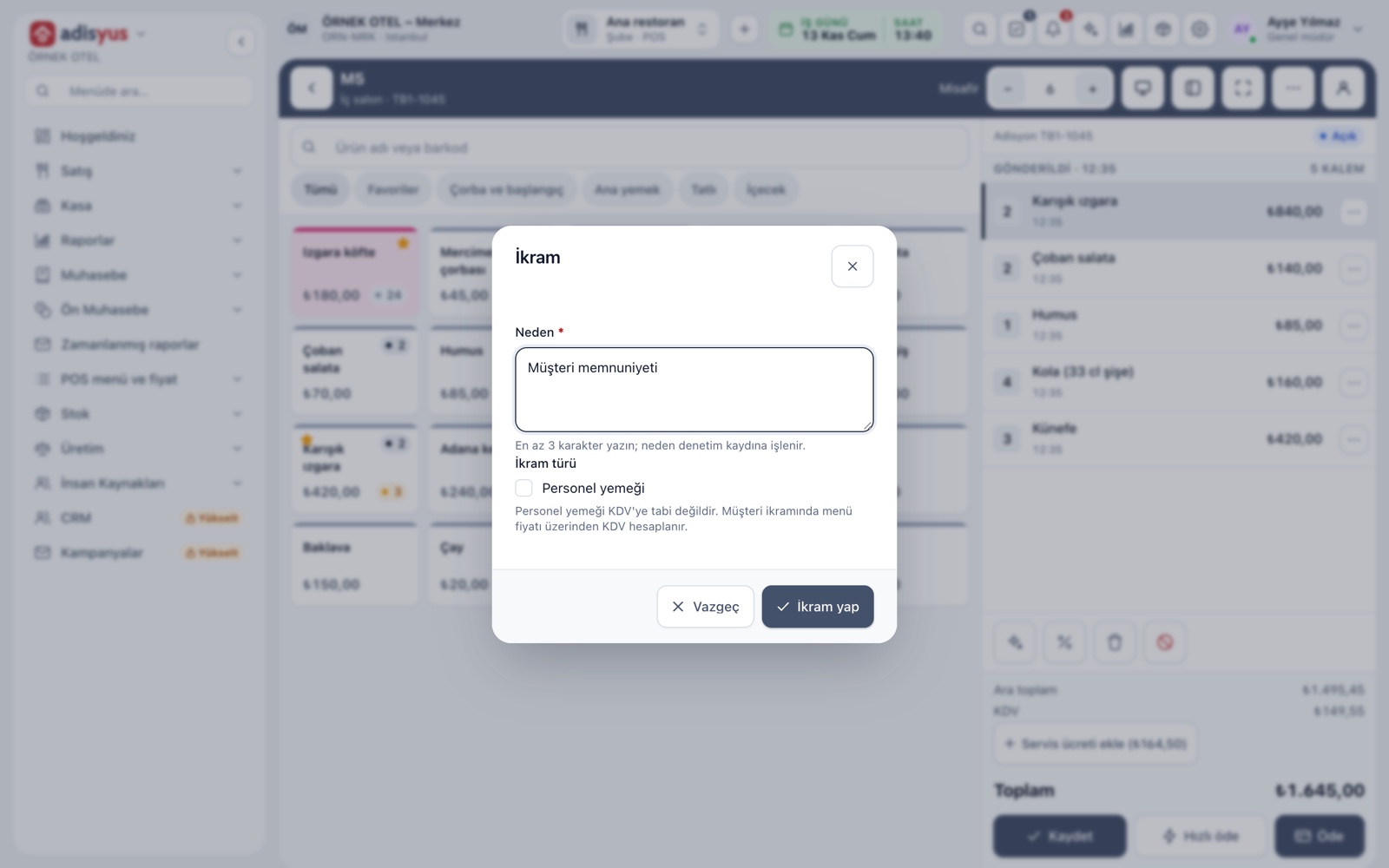
| Comps and unpaid checks | No payment document | Tax consequences depend on the type of comp; ask your accountant |
There are other routes that replace or complement a cash register (businesses covered by exemptions, the secure mobile payment system and so on). Which applies to you depends on your type and size of business.
The check and the e-check
A restaurant or bar that serves at the table must issue a check. Moving to the electronic check depends on a notification to the tax administration. When the service ends, an e-Invoice, an e-Archive invoice or a cash register receipt is issued; e-documents carry a document number and an ETTN (universal unique document number). So the check is not just a "bill summary": it is a separate document in law and should be kept linked to the document that follows.
E-documents from the cash register
General Communiqué No. 593 on the Tax Procedure Law made it possible to issue certain e-documents from YN ÖKC devices. It is an option, not an obligation, and which documents are covered depends on the tax administration's guide. Ask your device provider and your accountant about the final form of the guide and whether your device supports this.
Questions to ask your accountant
- Which document route applies to my business: YN ÖKC, e-Archive or an exemption?
- Is an e-check notification required, and has it been made?
- If a customer asks for an invoice afterwards, how do I link it to the existing receipt?
- What are the document and tax treatments of comps, staff meals and returns?
- If I run a hotel restaurant, what is the practice for checks charged to the room?
Write the answers on one page and share it with the till and management teams; the document decision should not change from shift to shift.
Seven points to check at daily close
- Confirm no check is left open. A check that stays open gets no document.
- Look at document statuses. A pending or failed document should be resolved before the day ends.
- Compare the Z report with the POS. The receipt count and gross total on the register's daily Z report must match the POS records. Once the Z report is taken, that day's receipt cannot be voided on the register; corrections go through a return document, so ask your accountant how to apply it.
- Check device warnings. Running out of paper or a lost connection on the register means the receipt was not printed.
- Verify the details of a customer asking for an invoice. Tax or ID number, name or company title and, for an e-Invoice taxpayer, the tax office must be complete. These are personal data; collect them only for the invoice and do not keep them longer than needed.
- Watch the invoice deadline. As a general rule an invoice is issued within seven days of the service; after that it is treated as not issued.
- Review permissions. Issuing, cancelling and returning documents should not be open to everyone.
The double-document and double-revenue risk
The most frequent and most expensive mistake is issuing both a cash register receipt and an invoice for the same sale: revenue shows up twice, and returns and corrections become hard. When a customer later says "I want an invoice", linking the existing receipt to the invoice, the information receipt and matching rules matter; put what to do in writing with your accountant. On the technical side, resending the same document request must not create a second document. To be able to press "retry" safely after a connection error, ask that the software runs each document request under a unique key.
What to look for in the software
- Document mode per point of sale: cash register receipt, e-Archive, or "e-Invoice if the buyer is a taxpayer, otherwise e-Archive", with an override per outlet.
- Taxpayer lookup: so the wrong type of invoice is never issued.
- Document statuses: pending, issued, failed, cancelled; with the failure reason in a plain sentence.
- Z report reconciliation: the register's report compared with POS receipts automatically.
- A document-free flow for room charges and unpaid checks: so revenue is not written twice.
- Audit trail and permission separation: who issued or cancelled which document and when.
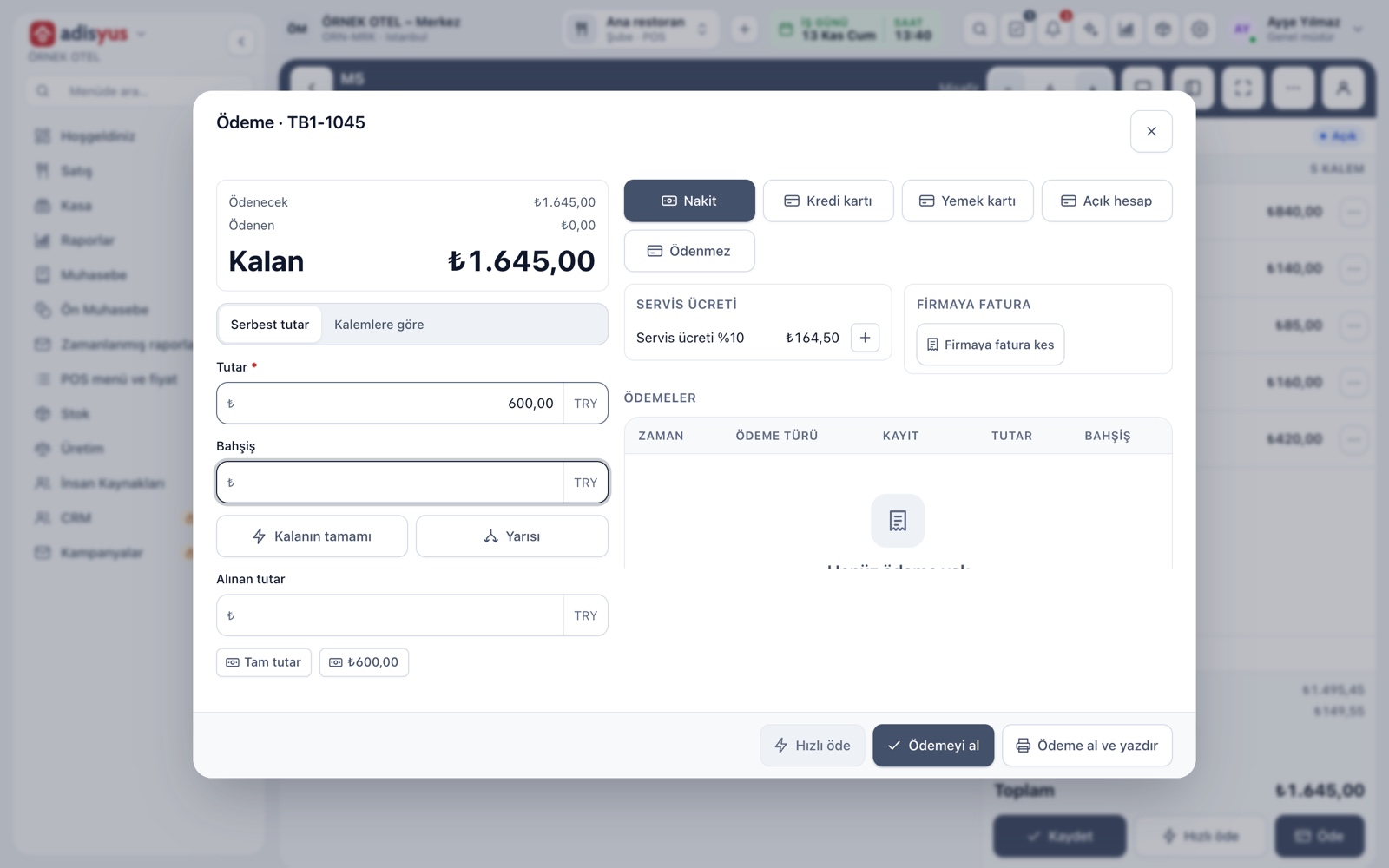
In adisyus the document mode is chosen property-wide and per POS outlet; documents are listed with their statuses, and the Z report can be pulled and matched against POS receipts. The cash register, e-Archive and e-Invoice connections are optional add-ons; until real device and provider connections are completed, test endpoints run and no real document is issued. See the payments and collections page for the current status.
Conclusion
Managing documents rests on three rules: a single, correct document for every sale; the register and the POS totals matching at the end of each day; and permission and a trail on every document action. Because details differ by type of business, complete this framework with your accountant's written opinion. For payments, collections and document mode in detail, see Payments and Collections.