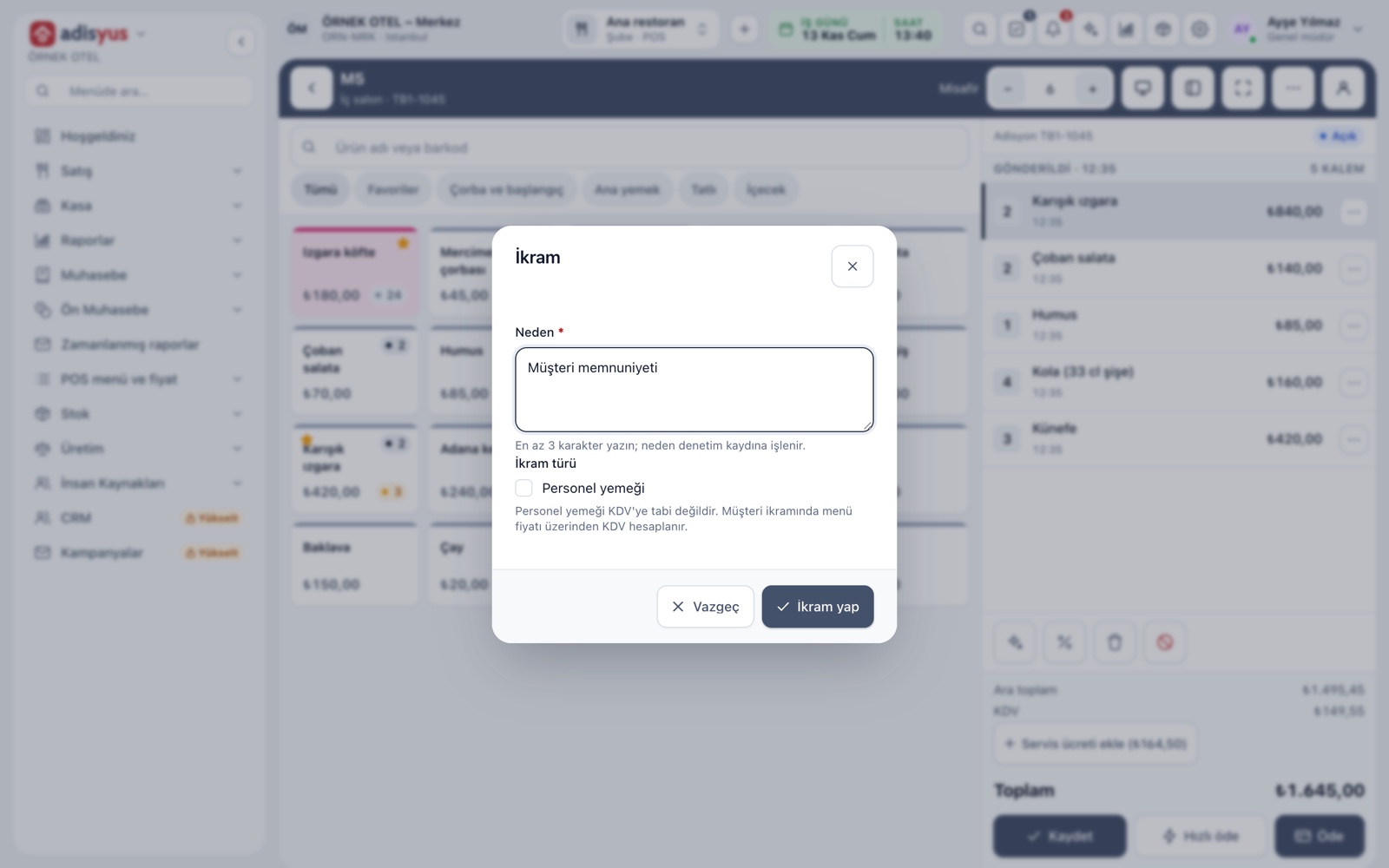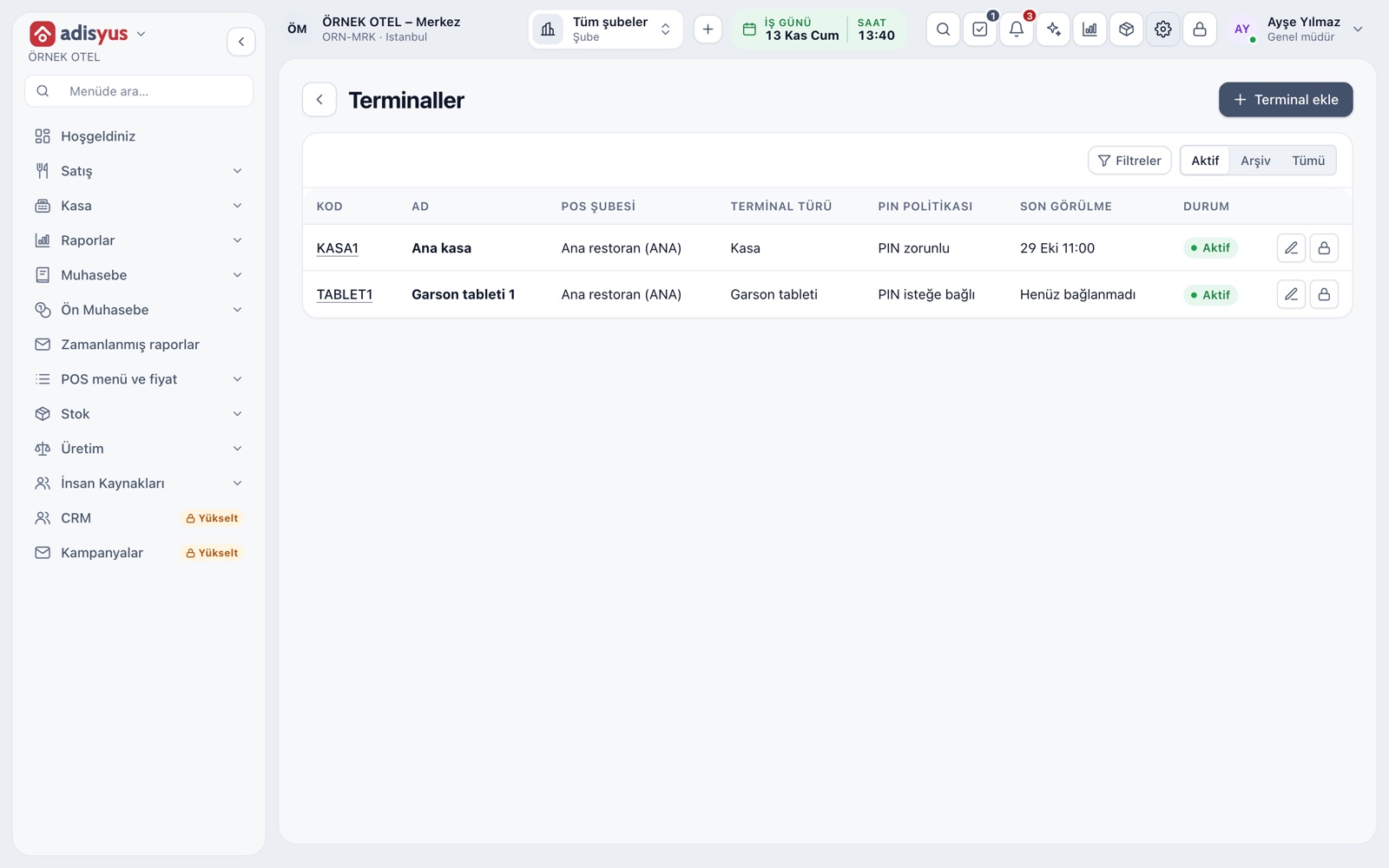
A hotel restaurant differs from an independent restaurant in three ways. Some of the guests are in-house and want the bill posted to their room. The revenue of the sale is tied to the hotel's business day and night audit. And the same guest's account is the shared responsibility of two teams, the restaurant and the front office. When the link is set up correctly, there are no surprises at check-out; set up wrongly, it starts a morning argument at the front desk: "that check is not mine". This article covers the room posting flow and the controls around it.
Customer types in a hotel restaurant
| Customer | Payment | Document | Note |
|---|---|---|---|
| In-house guest, room charge | Posted to the room | Revenue and VAT arise on the hotel invoice | Permission and limit are checked on the hotel side |
| In-house guest, paying directly | Cash or card | The restaurant's own document | Document rules depend on your business |
| Walk-in guest | Cash or card | The restaurant's own document | Settle options such as fiscal cash register or e-Archive with your accountant |
| Room service | Posted to the room | On the hotel invoice | The check is opened with the room instead of a table |
The room posting flow
- The payment type is selected. The room charge appears among payment types only in a business with the hotel link.
- The in-house guest is found. The search runs by room number or guest name; only stays that are checked in and have an open folio are listed. ID numbers should not be shown.
- The charge is posted. The line goes to the open main folio of the selected stay. Permission and limit rules sit on the hotel side; if the charge cannot be posted to the guest, the screen says why.
- Line-by-line transfer. The check moves to the folio line by line, not as a single amount; each line's source is the POS and the same line is never posted twice. The transfer and the closing of the check happen together: if one fails, neither is applied.
- The whole remaining amount. A partial amount cannot be posted to the room. If part of the bill goes to the room and the rest is paid by card, the check is split first and the check to be posted is transferred in full.
Verifying whose account is being charged is the restaurant's responsibility. Ask the guest for the room card or a signature and confirm first and last name alongside the room number; posting to someone who merely says a room number is the first cause of wrong entries.
Double entries and documents: do not write revenue twice
On a check posted to a room, the restaurant side does not issue a separate fiscal document; revenue and VAT arise on the hotel invoice. Otherwise both a restaurant receipt and a hotel invoice would exist for the same sale. For the same reason, a check that already has a fiscal document should be blocked from being transferred to a room afterwards. Put this rule in writing together with the front office and accounting, and confirm current legislation on documents with your accountant.
Day end and night audit
- Business day binding. Restaurant sales can be managed with the hotel's day end, with the restaurant's own business-day start time or manually. Which you choose decides which day the revenue is written to.
- Pre-check in the night audit. If the outlet is tied to the hotel business day, an open check blocks the night audit and an open till session shows as a warning.
- Day-end summary. Checks transferred to a room appear on a separate line with no receipt and are not added to the restaurant's sales total; revenue is recognised on the folio.
- Closing procedure. No open check should remain when the restaurant closes: it is either closed or posted to a room. Write down who is responsible.
Common problems
| Problem | Cause | Safeguard |
|---|---|---|
| Posting to the wrong room | Similar surnames, mixed-up room numbers | Confirm room number and name; if wrong, refund and post again to the right room |
| A check arriving after departure | A bar, room service or a late-closed table | Check the restaurant and room service balance with the front office before departure |
| Permission or limit exceeded | No permission to post to the guest's account or the limit is full | The decision lies with the front office; the screen shows the reason and the restaurant does not override the rule |
| A request to post part to the room | Half the bill to the room, half to a card | Split the check first |
| Refund of a wrong posting | Wrong person or wrong amount | A reversing entry is made on the folio and the old line is not deleted; the refund is made in full |
| An open check at day end | A forgotten table | Closing check, list of open checks |
Who does what?
Collection and refund are separate permissions; each team's job should be clear:
- Restaurant: Opens the check, verifies the guest, posts to the room.
- Front office: Manages the folio, permission and limit rules, and gives refund approval.
- Accounting: Supervises documents and revenue recognition.
- In every transaction: The folio line should carry the user who actually did it; if the user changed by PIN on the terminal, the changed user should be recorded.
Five rules to teach the service team
- A room number alone is not enough; first and last name are confirmed too.
- A partial amount is not posted to a room; if needed, the check is split first.
- A check that already has a fiscal document is not transferred to a room afterwards.
- The account of a guest who has checked out cannot be posted to a room; the guest is referred to the front office.
- When in doubt, call the front office; the permission and limit rule is not interpreted in the restaurant.
If the restaurant runs on its own
For a business that runs only its restaurant, the room charge payment type should not appear at all; the POS must run fully without the hotel side. In adisyus, the room charge is listed only when adisyus and otelyus are used together; in a business using only adisyus, the payment window, till and day end run without needing the hotel side.
Daily checklist
- Are there open checks left, and were all closed or posted to a room?
- Do the totals of checks posted to rooms match the front office's folio records?
- Were there any wrong-room postings or refunds, and is the reason recorded?
- Were the till sessions closed?
- Is there anything to carry over to tomorrow?
Conclusion
Posting to the room brings the restaurant and the front office together on the same guest account. When the rule is clear, both teams look at the same number: the right guest, the right room, a single document and accounts that close at day end. For details, see Post to Room Account.