If you use a cloud-based POS, an internet outage in the middle of service is one of the costliest failures you can have. The good news: the type and impact of an outage can be known in advance, and most of the preparation does not depend on software. A backup line, a sound local network, a paper plan and a trained team are enough to ride out an outage without it turning into a crisis. This article lists that preparation.
Four types of outage
- Internet line outage. A fault at the provider or a cut line; the local network works but nothing gets out.
- Local network failure. A modem, router, switch or Wi-Fi problem; devices cannot see each other.
- Power cut. Along with the network equipment, the till computer and printers stop too.
- Service reachability problem. The line is healthy but the service the POS runs on cannot be reached.
Each type needs its own safeguard; no single "backup" solves all of them.
Impact map: what stops and what keeps working?
| Component | Effect in an outage | Safeguard |
|---|---|---|
| Order entry | The screen may not open or orders may not save | Backup line, local server or offline method, paper checks |
| Kitchen printer and display | Nothing prints if no command comes from the POS | Sound local network, paper tickets and a verbal notice plan |
| Card payment | Not affected if the bank terminal has its own line | A separate mobile line for the terminal |
| Fiscal cash register | The receipt is written to the register's own memory; document and Z report transmission may depend on the connection | Ask your provider how the device behaves offline |
| QR menu and QR ordering | Does not work if the cloud side is unreachable | Printed menu backup |
| Online platform orders | Do not arrive | Pause the platform temporarily, take orders by phone |
| Reports | Unavailable | Can wait |
Before an outage: seven preparations
- A backup internet line. A mobile data (4G/5G) modem and a router that fails over automatically when the line drops is the most effective measure. The provider should be different.
- An uninterruptible power supply (UPS). The modem, router, switch and till computer should stay up for at least a few minutes.
- A sound local network. Connect kitchen printers and fixed devices by cable with fixed addresses; do not hang everything on one Wi-Fi device.
- A separate line for the card terminal. If your bank terminal uses the venue's internet, you cannot take cards during an outage.
- A paper plan. Numbered check pads, kitchen slips, a pen, a calculator and a cash book should be at hand.
- Learn the software's limits. If it has offline or local server support, know in advance what it can do (orders, kitchen send, payment) and what it cannot.
- A responsible person and contacts. Write down who calls whom (provider, technical support) during an outage.
During an outage: a fifteen-minute plan
- First 2 minutes: Find where the fault is. Check the modem lights and whether other devices are connected: is the problem the line or the local network?
- 2 to 5 minutes: Switch to the backup line. Most of the time the problem ends here.
- 5 to 15 minutes: If it is still down, move to paper. Open a numbered paper check for each table, hand the kitchen slip over in person and take payment in cash or on the bank terminal.
- Stay calm with guests. A short, clear message is enough: "We have a brief system glitch, your order is being taken."
- Record everything. Write down the paper check numbers you used and the start and end times.
Recovering afterwards
- First check the open checks; are the ones opened before the outage still there?
- When entering paper checks into the system, do not key the same sale twice; mark each paper check "processed".
- Enter payments in the correct type (cash, card); note the till count and any end-of-day variance.
- List any fiscal documents not issued and settle the deadlines with your accountant.
- Write a short incident note: what happened, how long it lasted, which safeguard was missing.
What to expect from the software
When choosing or evaluating software, ask:
- Are open transactions lost during an outage?
- If the same transaction is sent again, is a duplicate created? In a sound design each transaction runs under a unique key.
- Are the scope and limits of what works offline clear?
- Is the identity of who performed the action preserved, or is it written to whoever syncs?
- Is the data on the device protected, and is who can see it limited?
- When the connection returns, is syncing automatic and are conflicts reported?
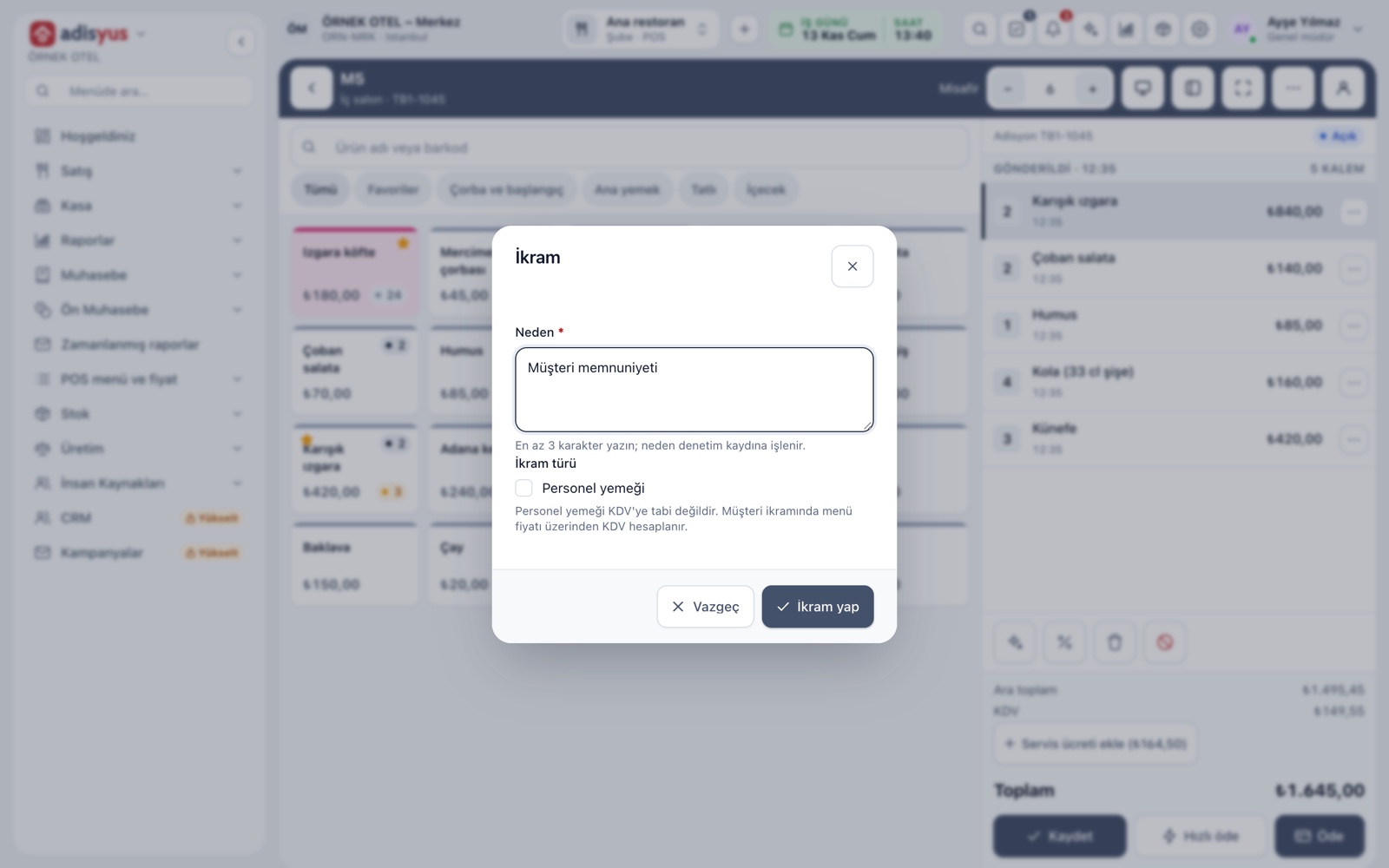
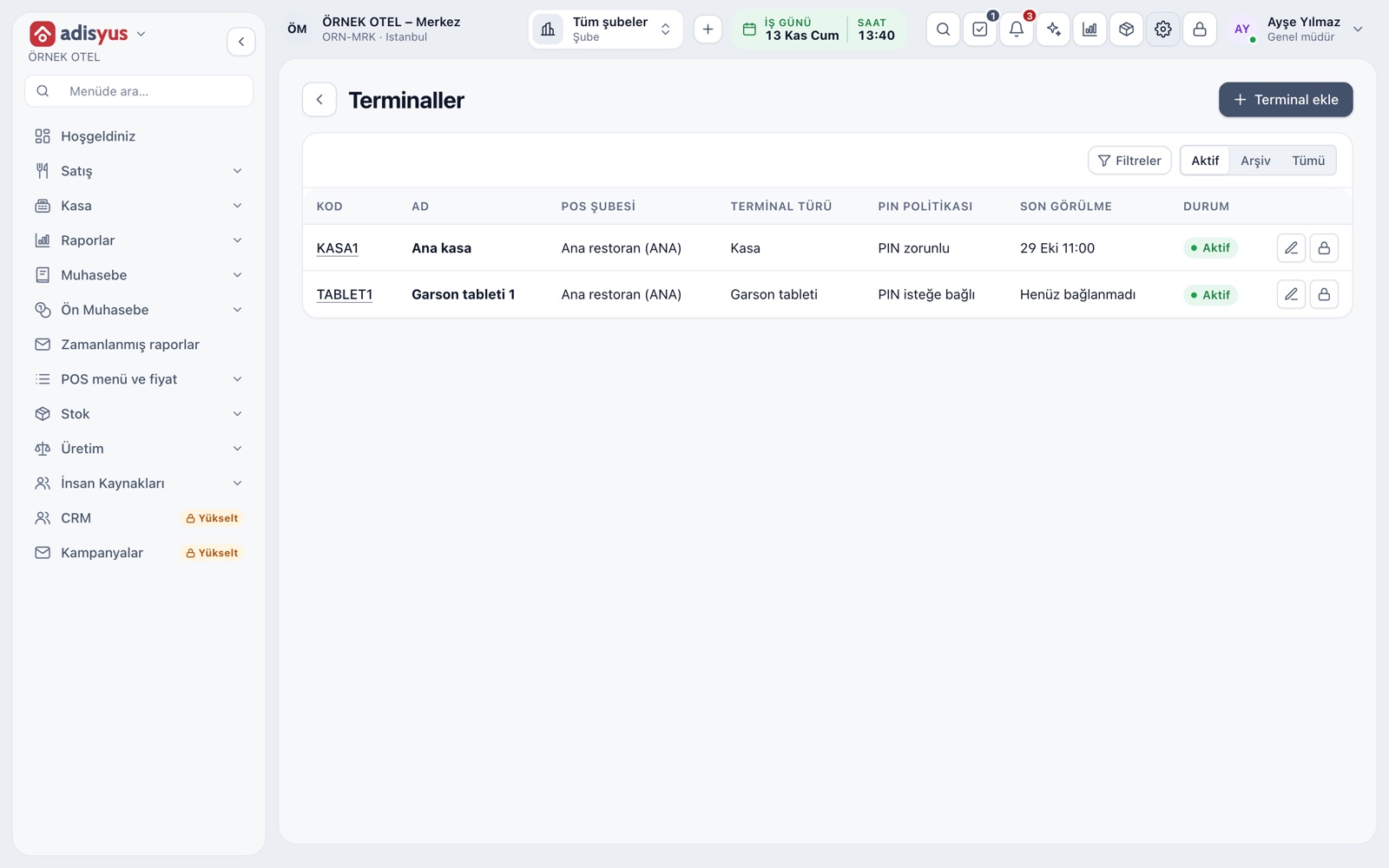
In adisyus, when the connection drops the screen shows an "Offline" notice; if your business has a local server defined, you can switch to it after a short countdown, and the cloud connection recovers by itself when the internet returns. A terminal definition has the option "Allow operation when the connection is lost".
A minimum package on a tight budget
If you cannot set everything up at once, start with three things: a separate mobile line for the card terminal, a mobile data modem and paper check pads. All three can be ready in less than a day and keep service going in most outages. A UPS and a router with automatic failover come as the second step.
A monthly drill: "pull the plug"
In a quiet hour, disable the backup line and the main line in turn and watch how the team behaves. Check that the paper check pads are in place, that the kitchen can take a slip, that the card terminal works and that the recovery steps are carried out. Record the drill on a one-page list.
A short checklist: Does the backup line work? How long does the UPS last? Are the paper check pads in place? Does the card terminal have its own line? Does the team know the outage plan?
Conclusion
Preventing an internet outage is not in your hands, but limiting its impact is. A backup line, a sound local network, a paper plan and a monthly drill give most venues enough protection. For more on multi-branch and offline operation, see Multi-branch and Offline Mode.